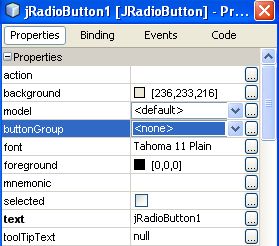
It’s possible to unite several radio buttons into the group. For example, if the buttons “On” and “Off” are in the same button group, only one of them will be active (which is logical).
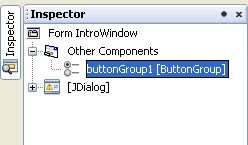
To create the radio button group in NetBeans do the following:
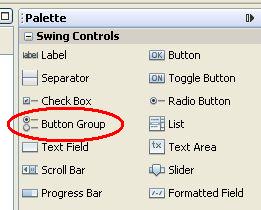
Use “Button group” from the components palette and put it into Your form. [...]
Java documentation is not included neither in NetBeans installation, nor in “standard” Java SDK installation.
However, it’s possible to download it manually and add to the NetBeans IDE.
Get the Java Documentation (currently “Java SE 6 Documentation”) from Sun site.
Start NetBeans
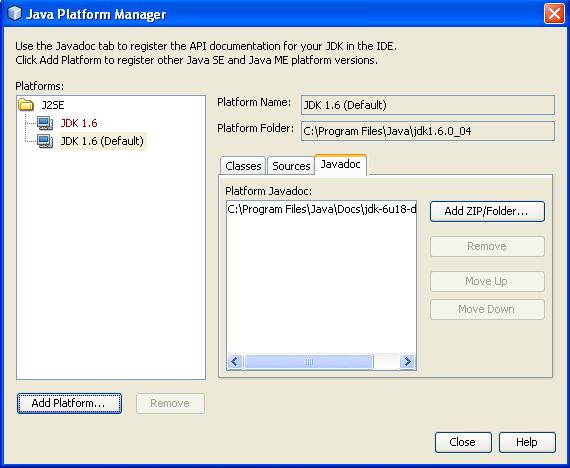
Select menu item “Tools->Java platforms”, then click “Javadoc” tab
Click “Add Zip/Folder” button and select the [...]
The following method could be used to minimize application window, if java.awt.Frame or its subclass is used:
public void setState(int state)
Parameters:
state – Frame.ICONIFIED if this frame is in iconic state;
Frame.NORMAL if this frame is in normal state.
Example:
// Close window on ESC
// [...]
// handle WM_SETCURSOR in button class
BOOL CMyButton::OnSetCursor(CWnd* pWnd, UINT nHitTest, UINT msg)
{
::SetCursor(m_hMyCursor);
[...]